
Inspirit VR · VR education · NGSS physics
A sci-fi carnival where physics is something you do
Launch a cannon, throw objects and walk under their parabolas. A VR physics lab built on the NGSS curriculum, tested in real classrooms.
VR Design Intern · Inspirit VR
Theme, environment, assets, UI/UX, testing and user validation

ROLE
VR Design Intern

COMPANY
Inspirit VR, founded by Stanford researchers

PLATFORM
VR headset · built in Unity 3D

CURRICULUM
NGSS physics: projectile motion, forces
The brief
Turn a physics curriculum into a place to explore
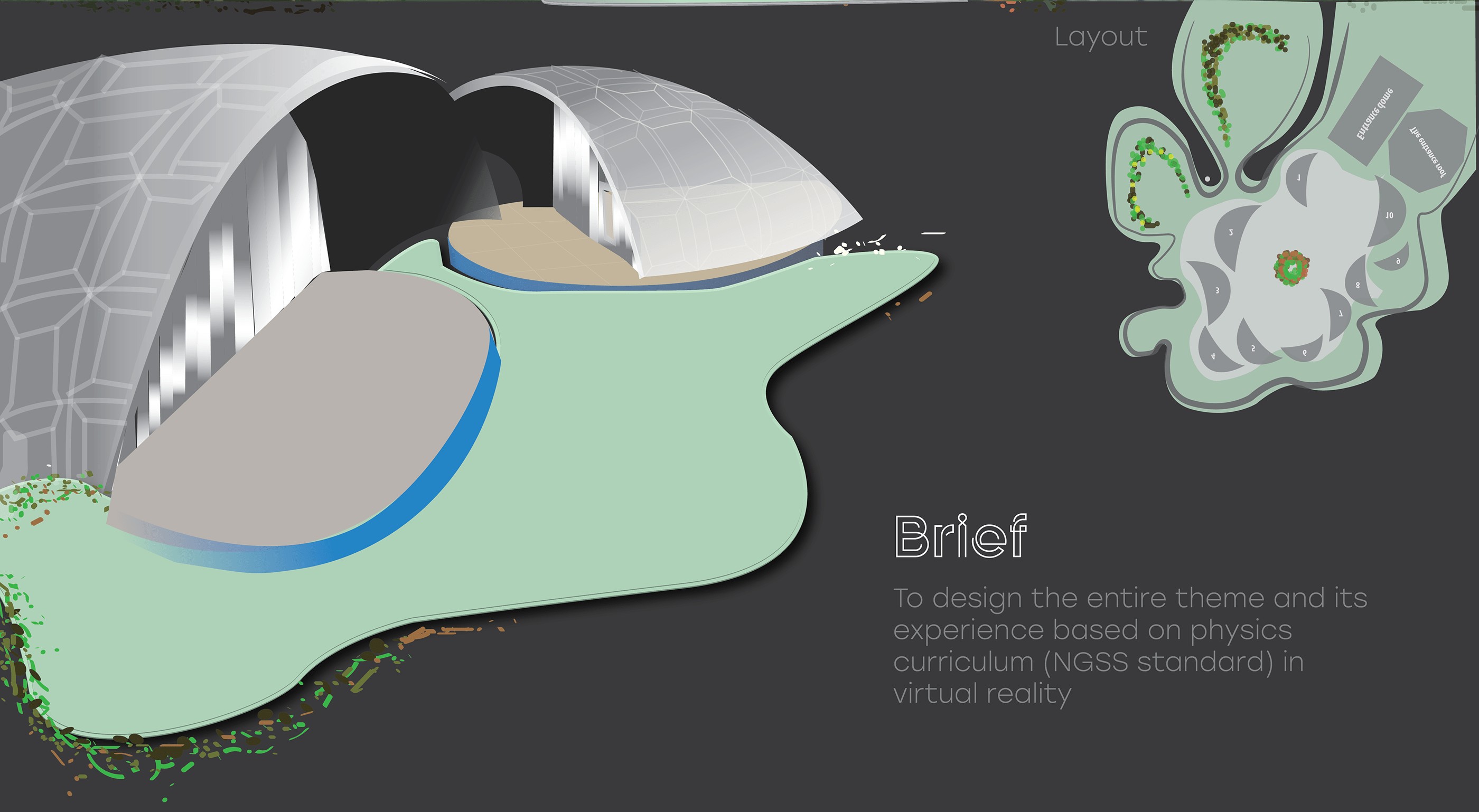
Brief
Design the entire theme and its experience based on the physics curriculum (NGSS standard) in virtual reality.
The goal: help students understand physics through experience rather than equations on a board.
Design methodology
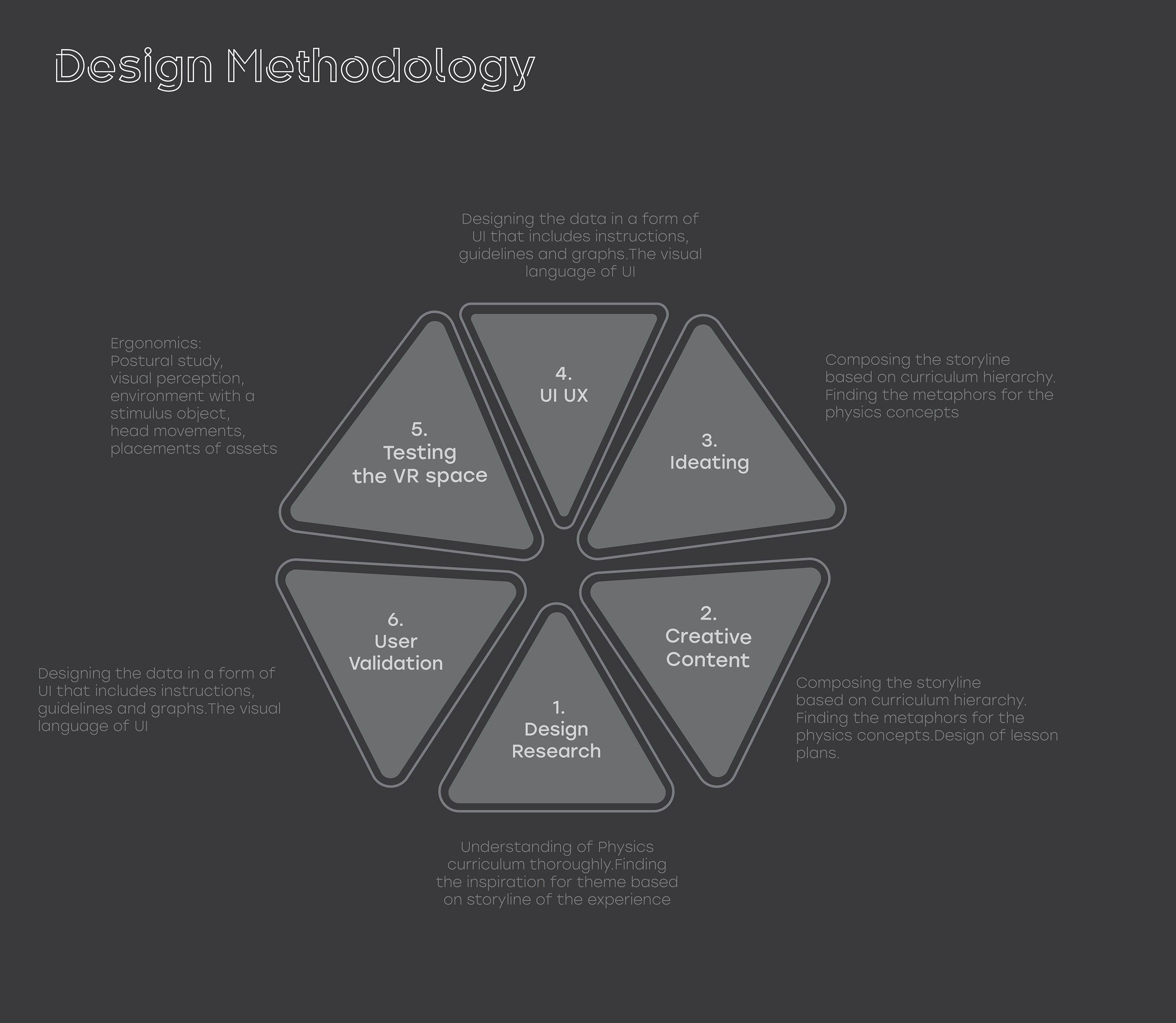
Six steps, from curriculum to classroom

01
Design research
Understanding the physics curriculum thoroughly, and finding the theme’s inspiration from the storyline.
02
Creative content
Composing the storyline from the curriculum hierarchy, finding metaphors for each concept, and designing lesson plans.
03
Ideating
Turning metaphors into tents, assets and interactions for each module.
04
UI / UX
Designing data as UI: instructions, guidelines and graphs, plus the visual language of the interface.
05
Testing the VR space
Ergonomics: posture, visual perception, head movement and where each asset sits.
06
User validation
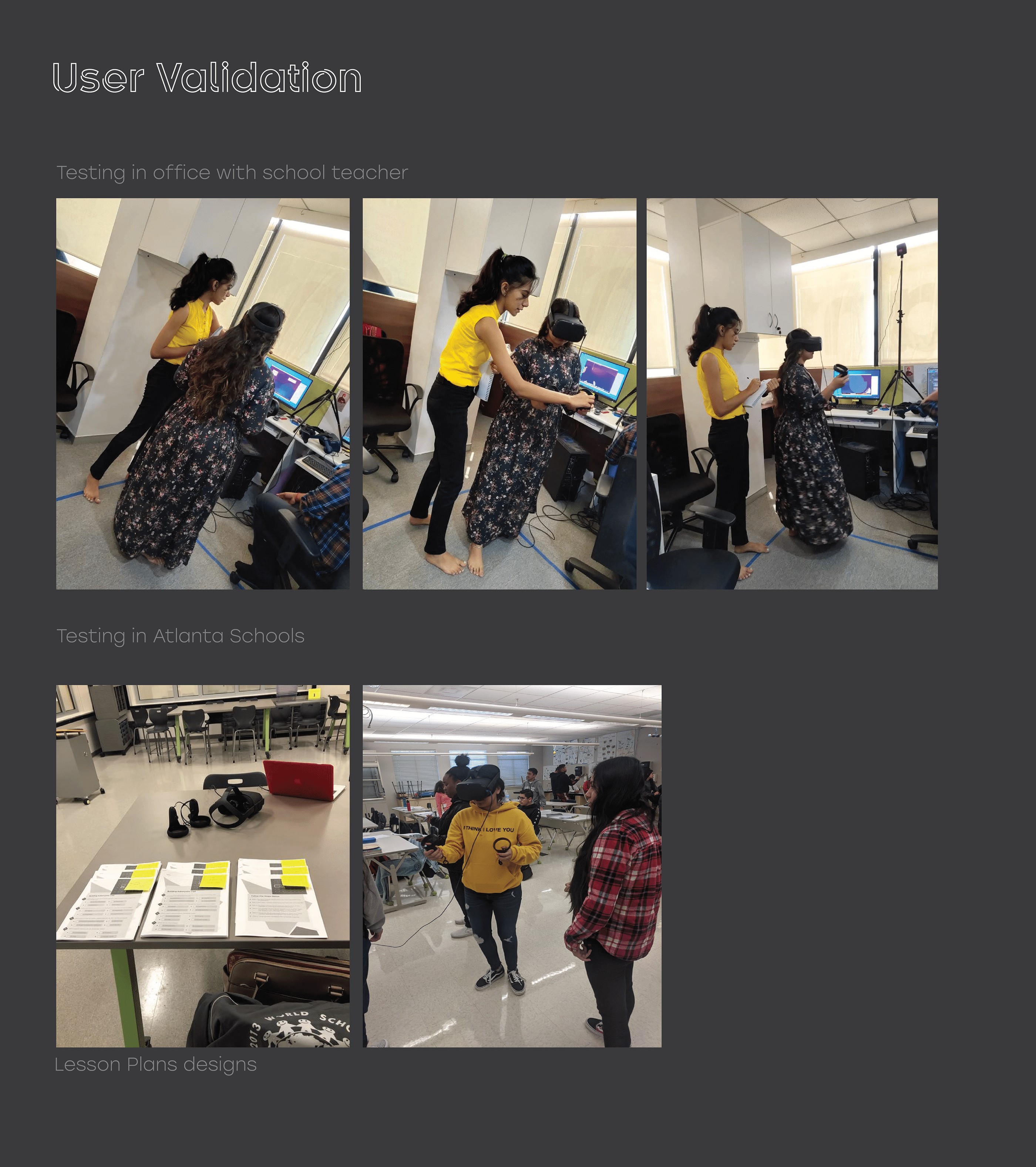
Testing with a school teacher in the office, then with students in Atlanta schools.
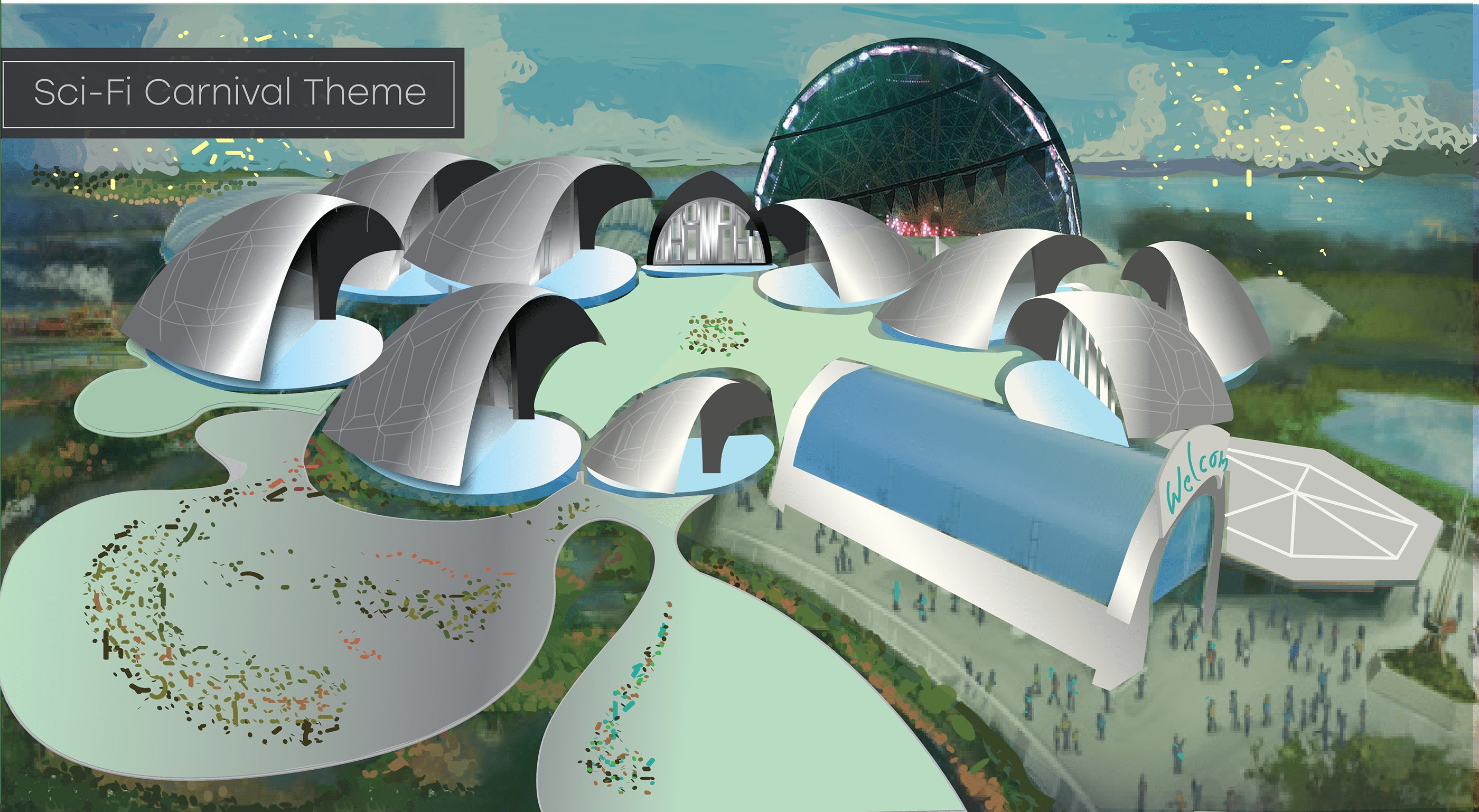
Theme & ideation
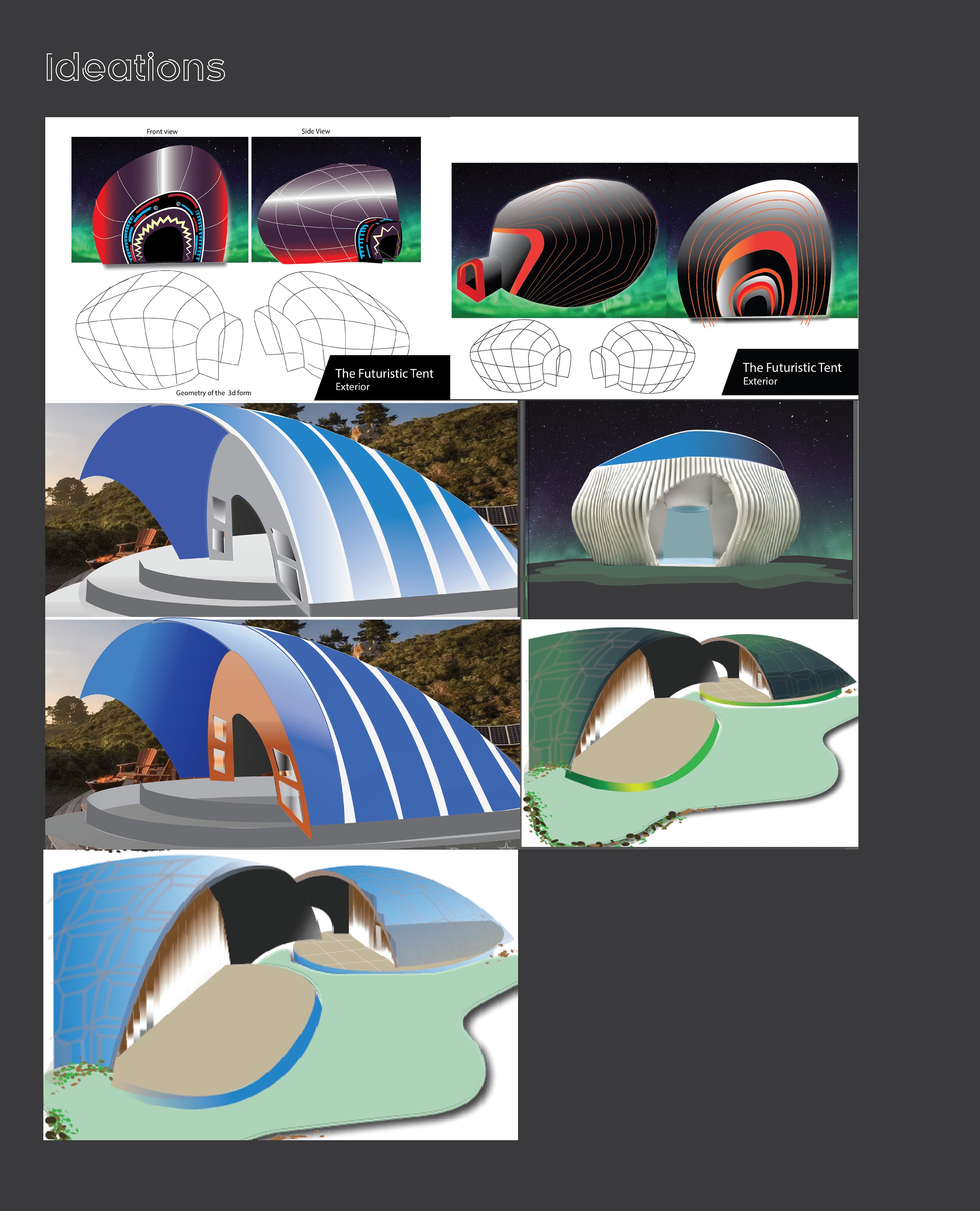
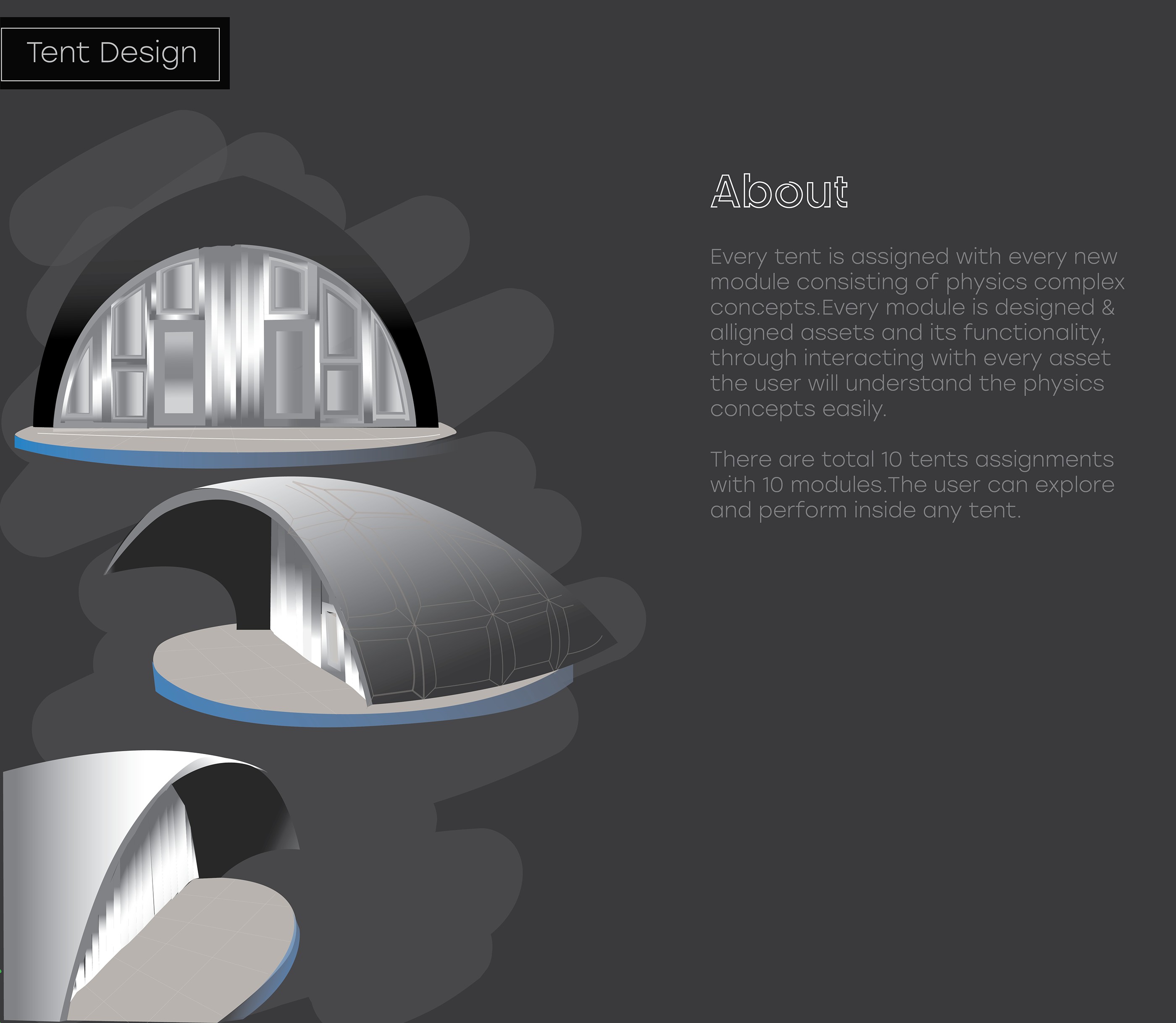
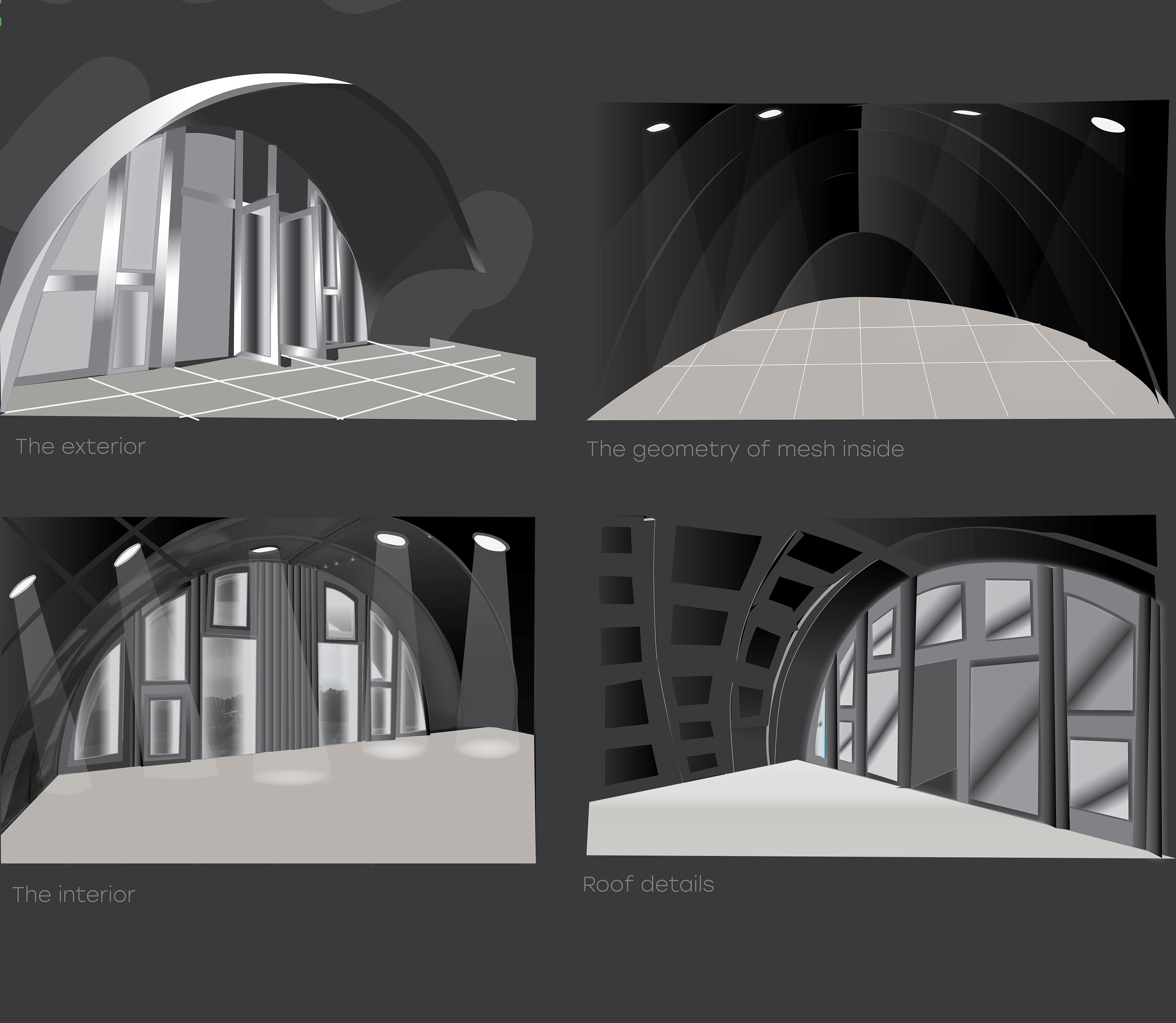
Ten tents, ten physics modules
Every tent holds one module of complex physics concepts. Students explore and experiment inside any tent.
Designing assets
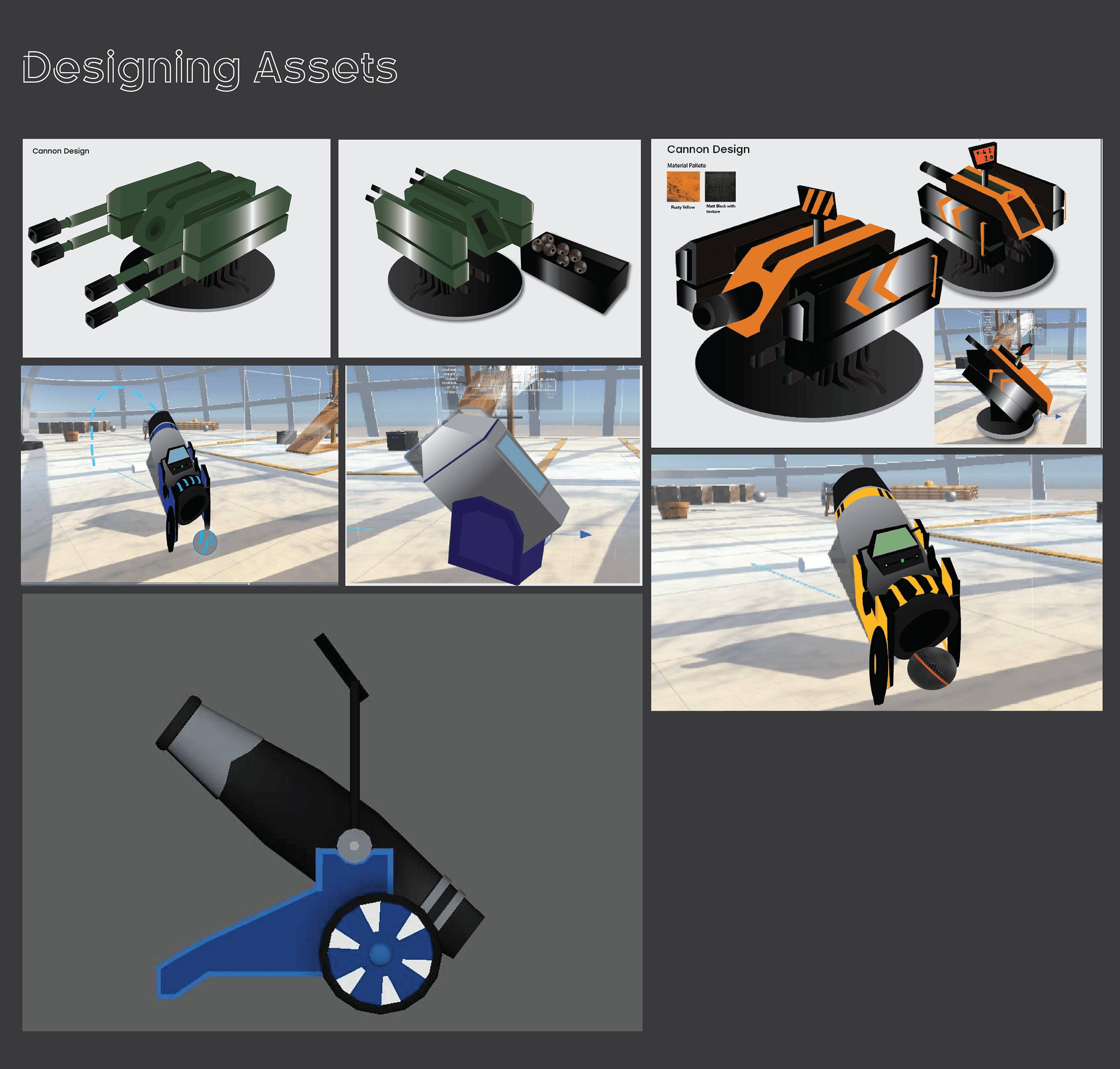
One cannon, many versions, until it felt right in the hand
Material palettes and forms explored for the cannon, the centerpiece of the projectile module.
Environment made in Unity 3D
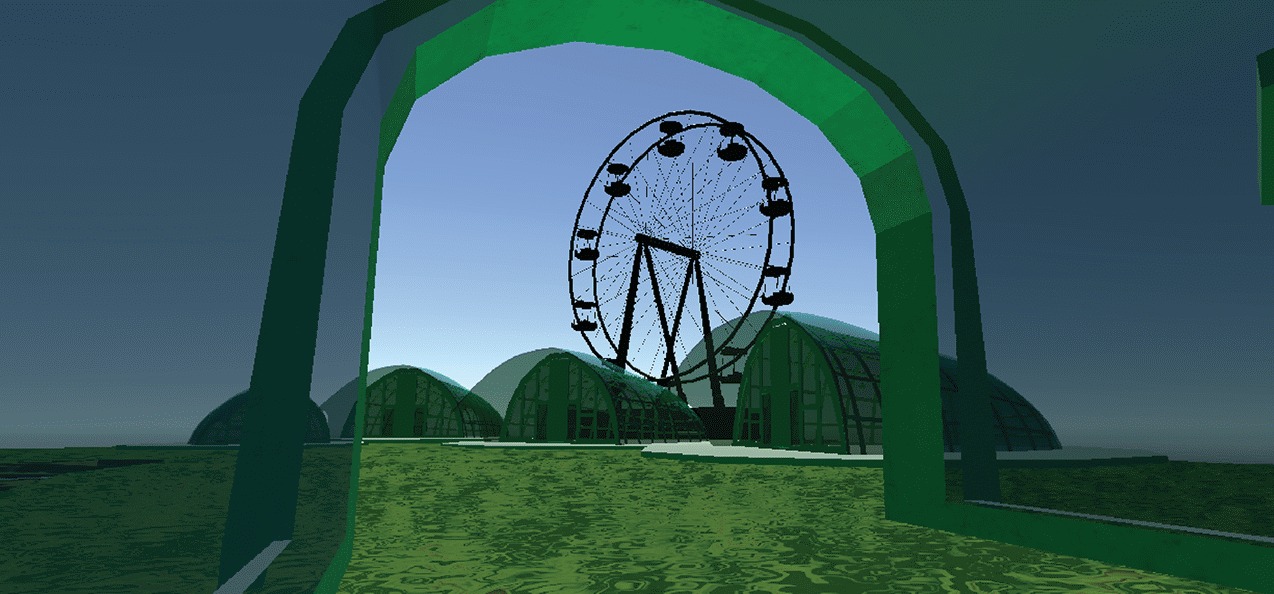
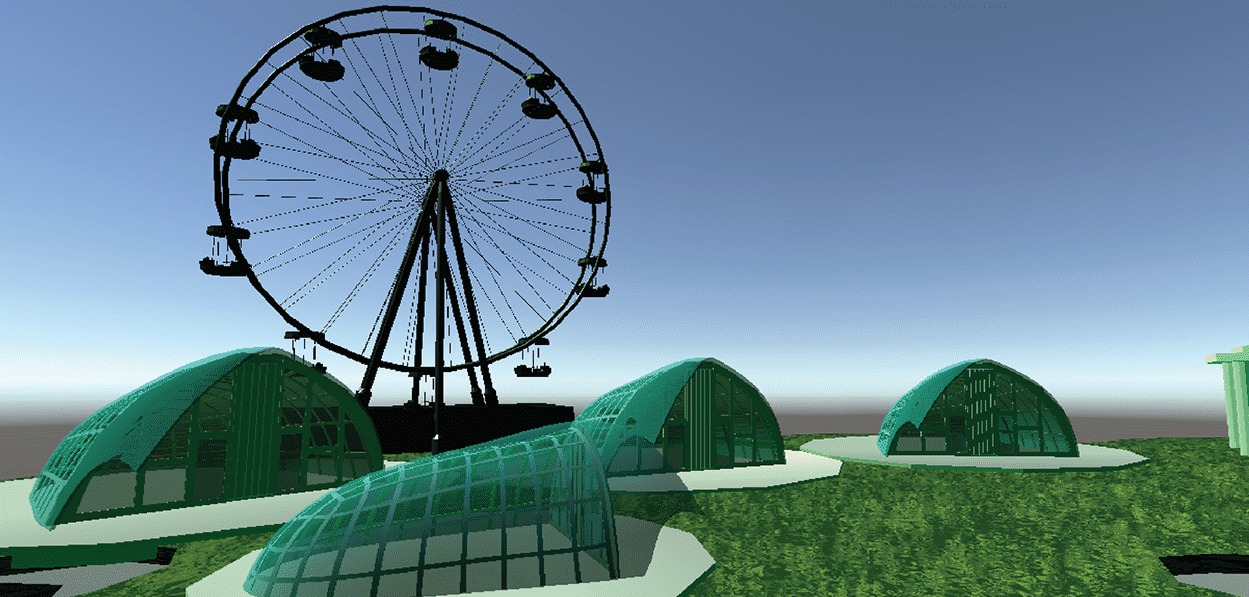
From illustration to a world you can walk through
Art direction
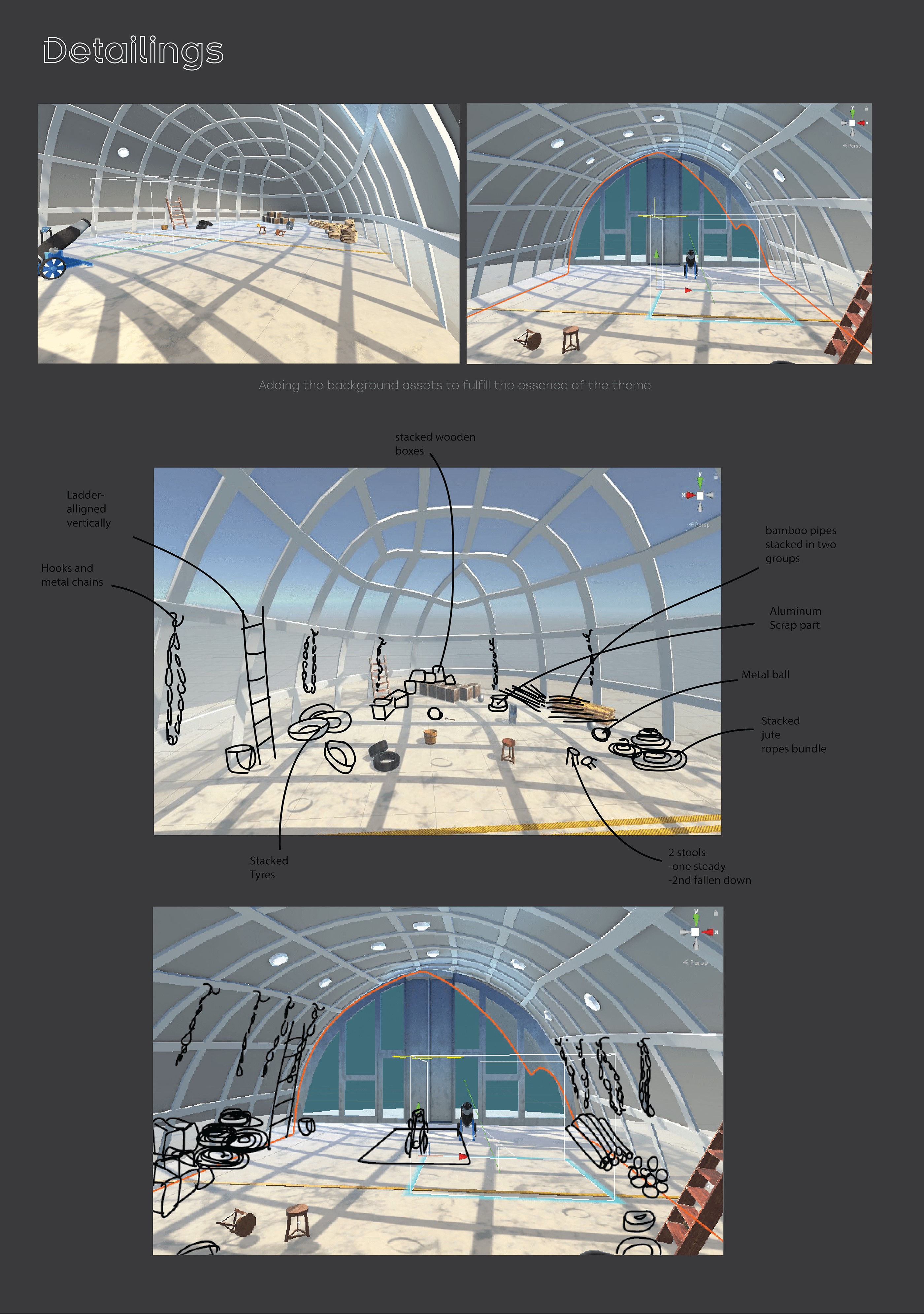
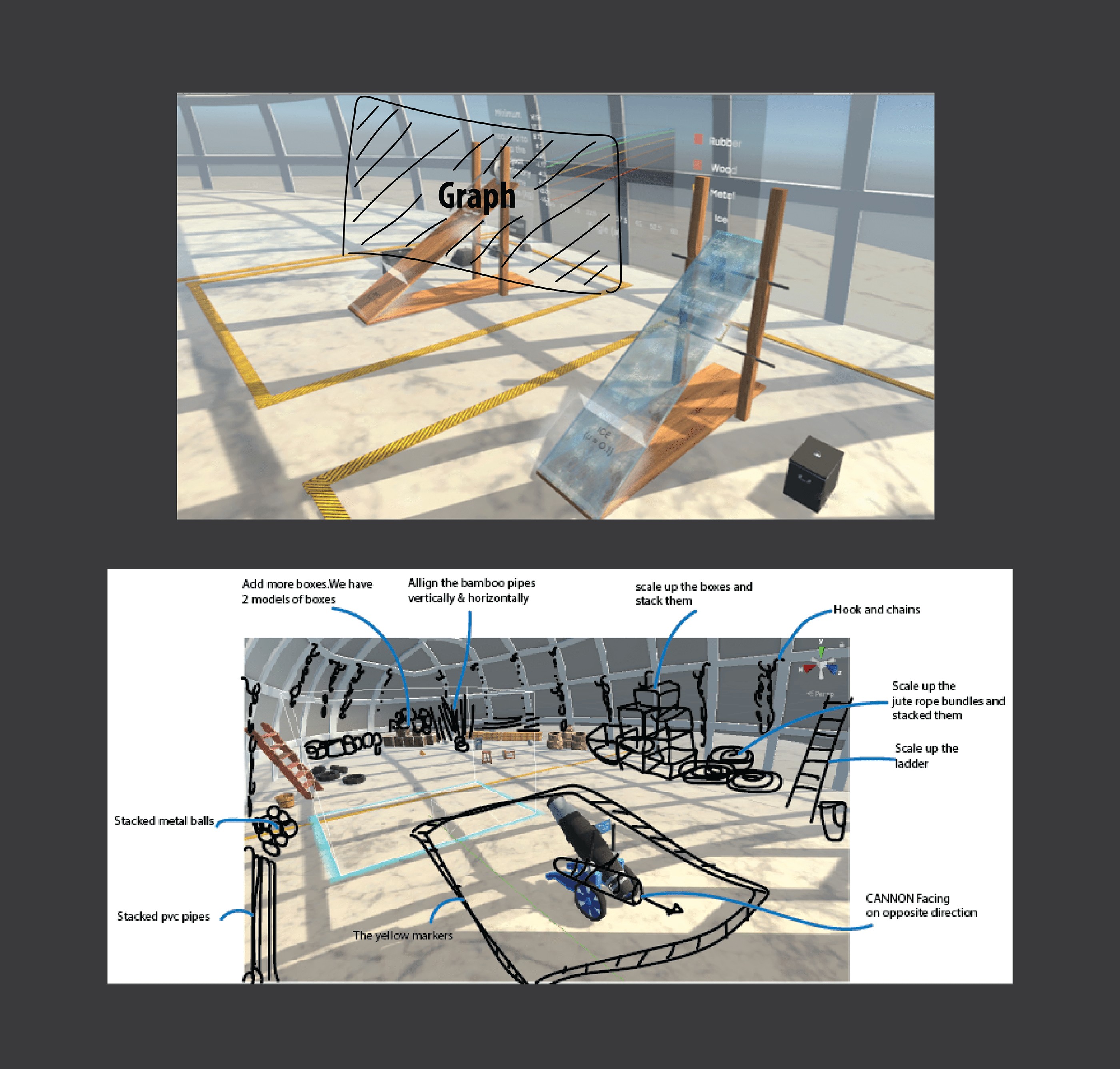
I marked up in-engine screenshots for the team: what to add, scale, stack and turn, from ladders and jute ropes to the cannon’s facing direction.
Two modules
Physics you can throw, launch, push and pause
Module 01
Projectile motion
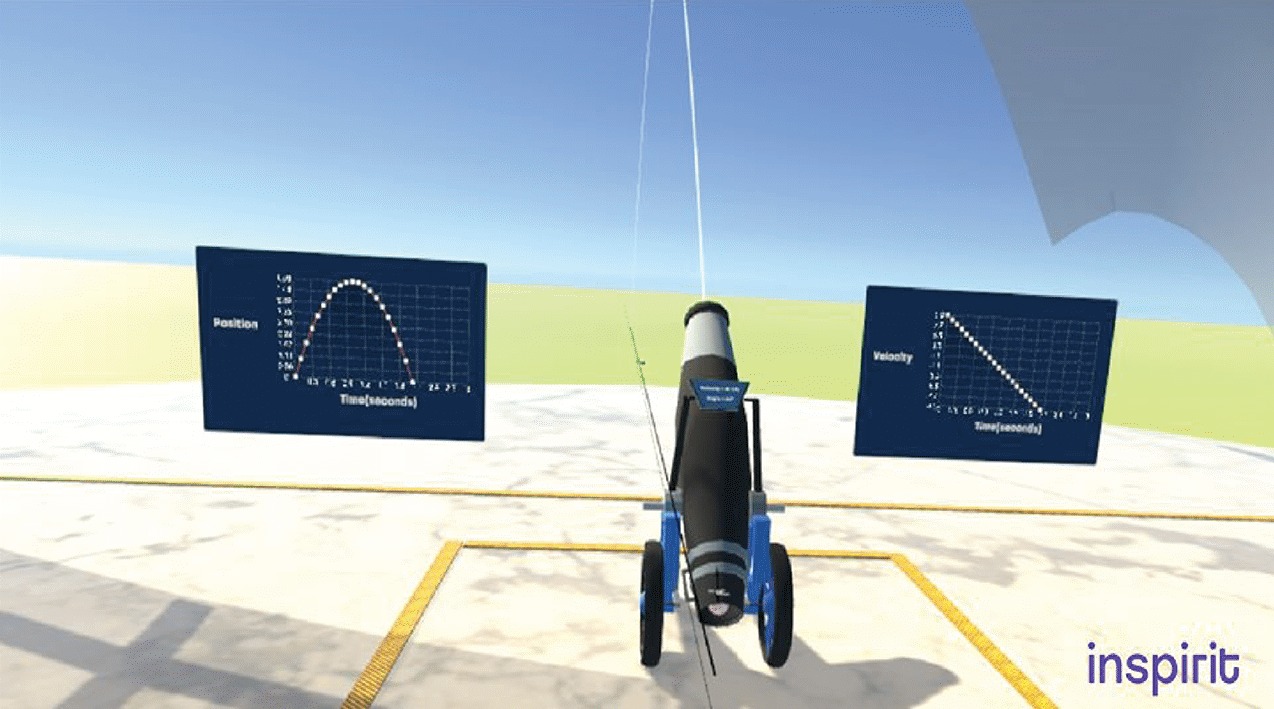
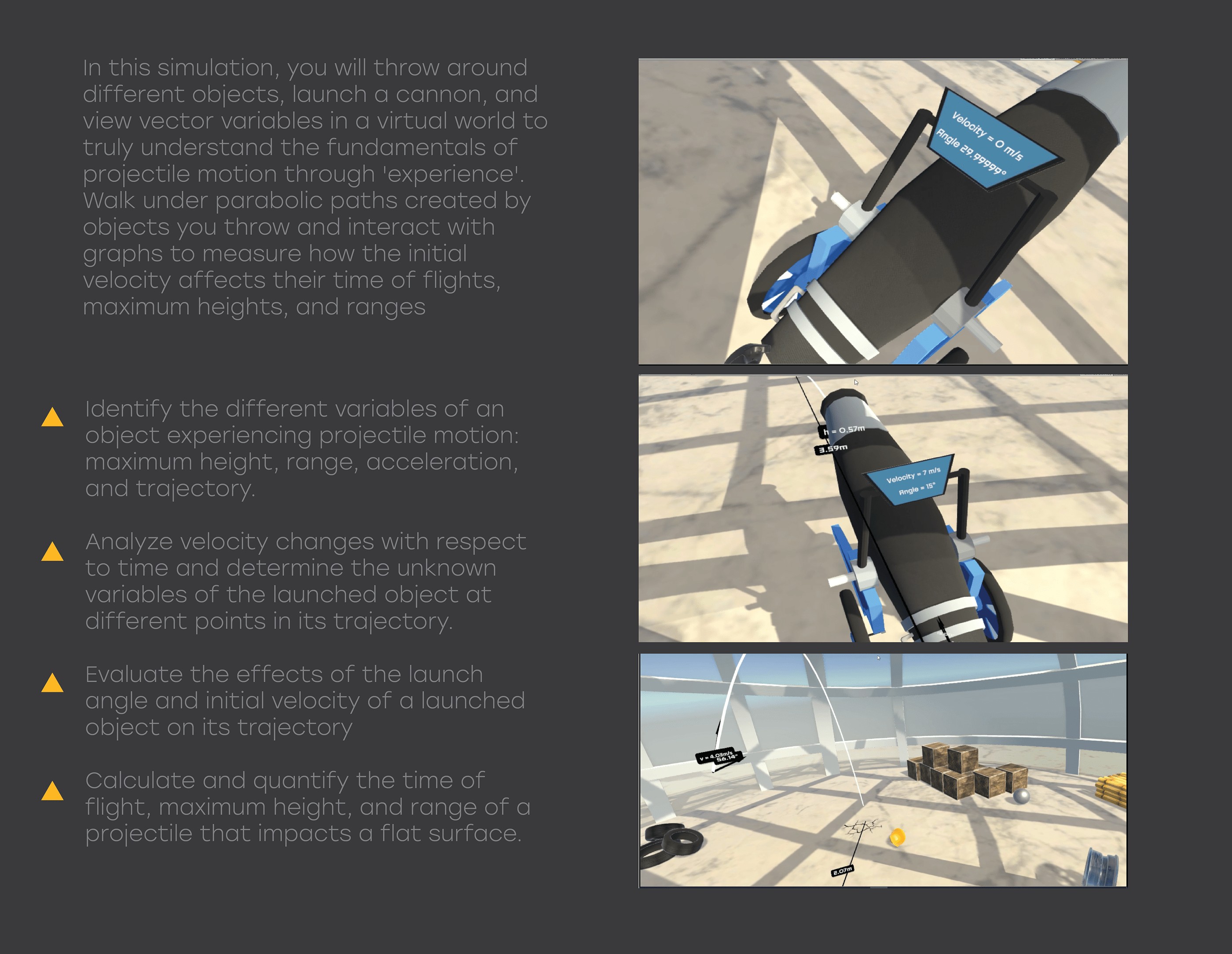
Throw objects, launch a cannon and view vector variables. Walk under the parabolas you create, and use live graphs to see how initial velocity affects time of flight, maximum height and range.
OBJECTIVE
Learn how objects move along the curvature of the Earth under gravity when projected near the surface.
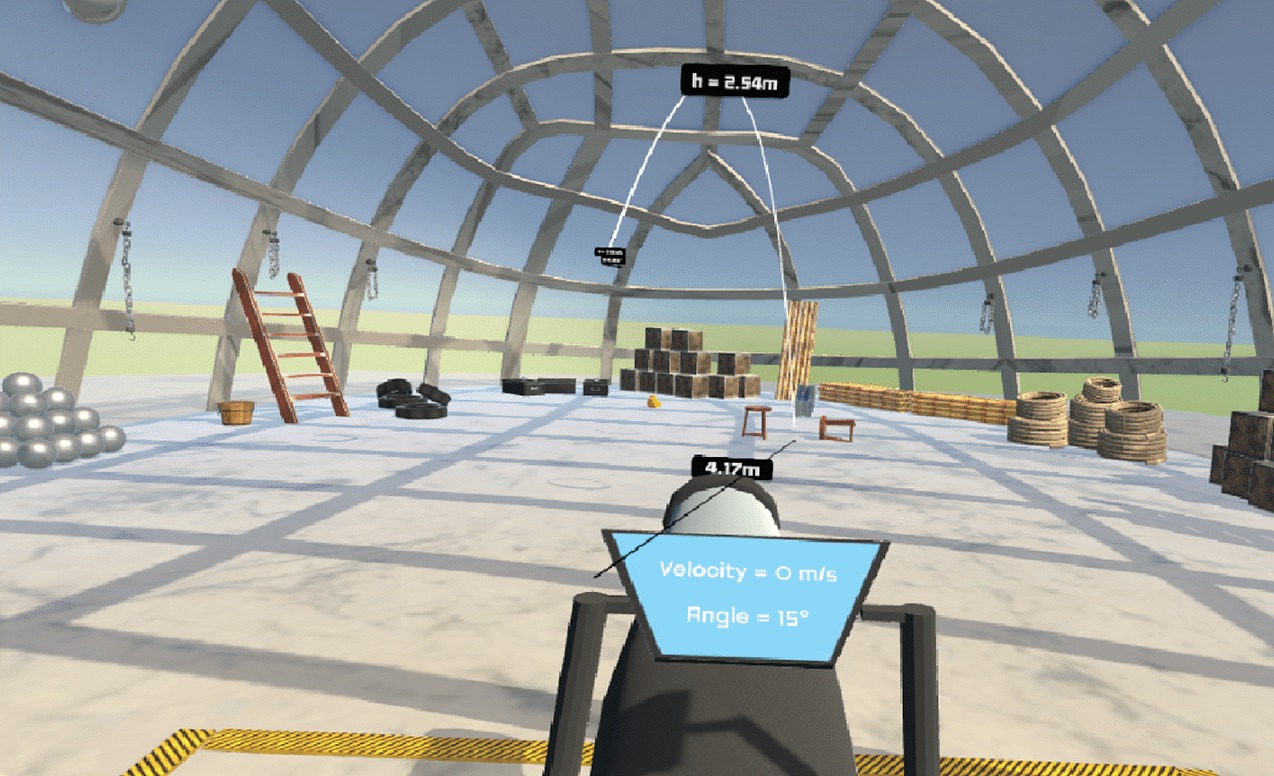

Identify the variables of projectile motion: maximum height, range, acceleration and trajectory.
Analyze how velocity changes over time, and find unknown variables at points along the trajectory.
Evaluate how launch angle and initial velocity shape the trajectory.
Calculate time of flight, maximum height and range for a projectile.
Module 02
Forces and their types
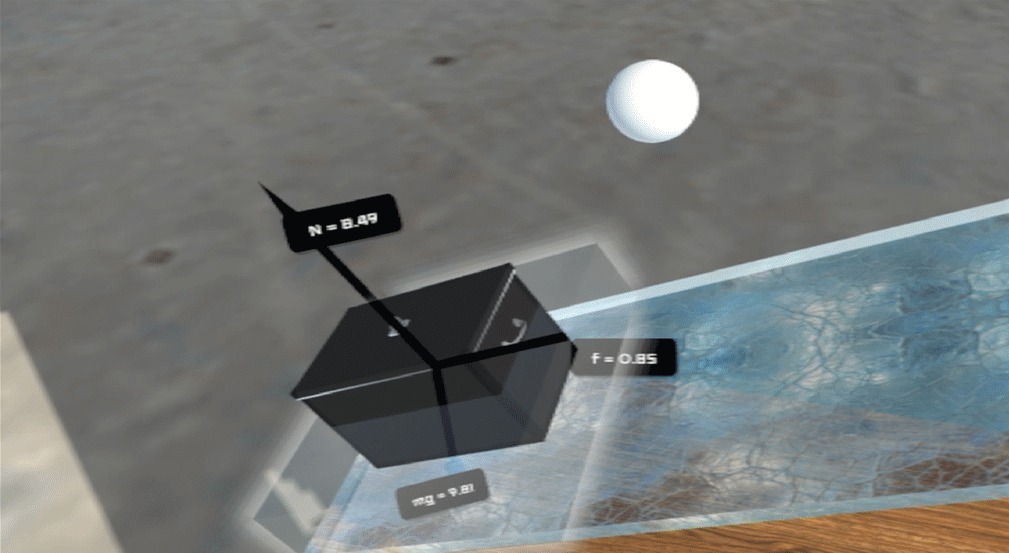
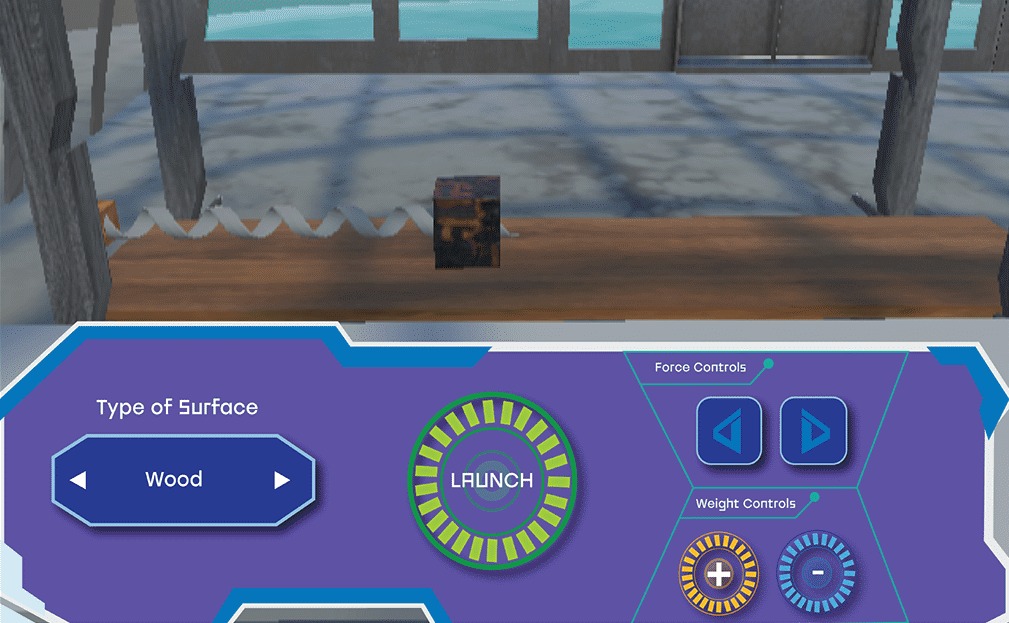
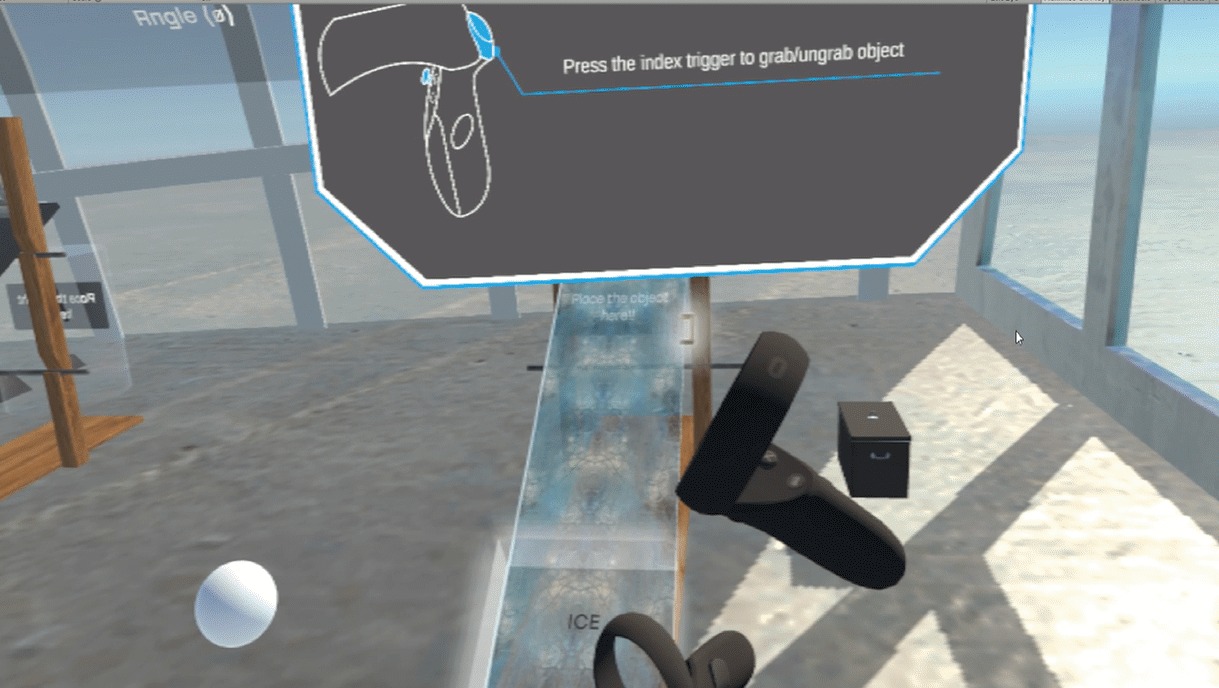
Test frictional and gravitational forces with an inclined plane and boxes of different weights. Pause an experiment to see its 3D free-body diagram, and build an intuitive feel for diagrams usually drawn on a whiteboard.
OBJECTIVE
Learn the types of forces, how they influence an object’s motion, and how to describe them with vectors.
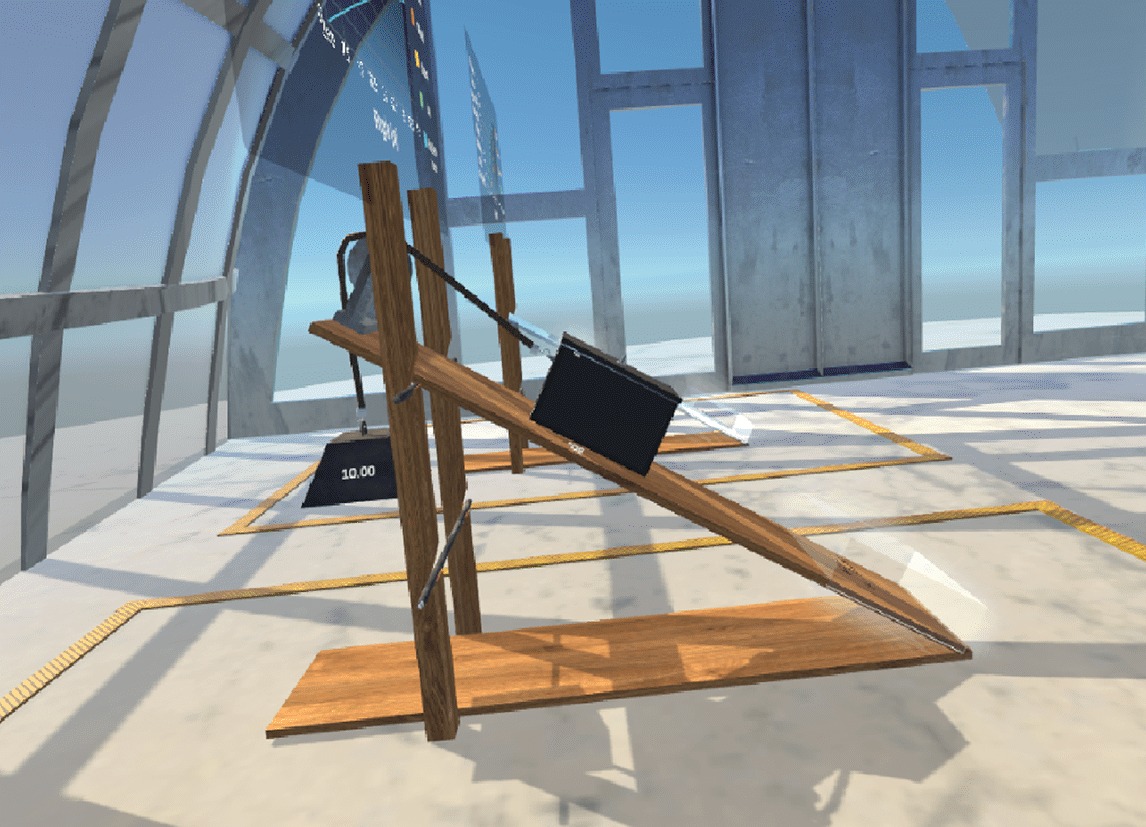
Define normal, gravitational and frictional forces.
Apply Newton’s laws of motion to problems with a variety of forces.
Use trigonometric identities to resolve forces into components.
Break down free-body diagrams involving several forces.
User validation
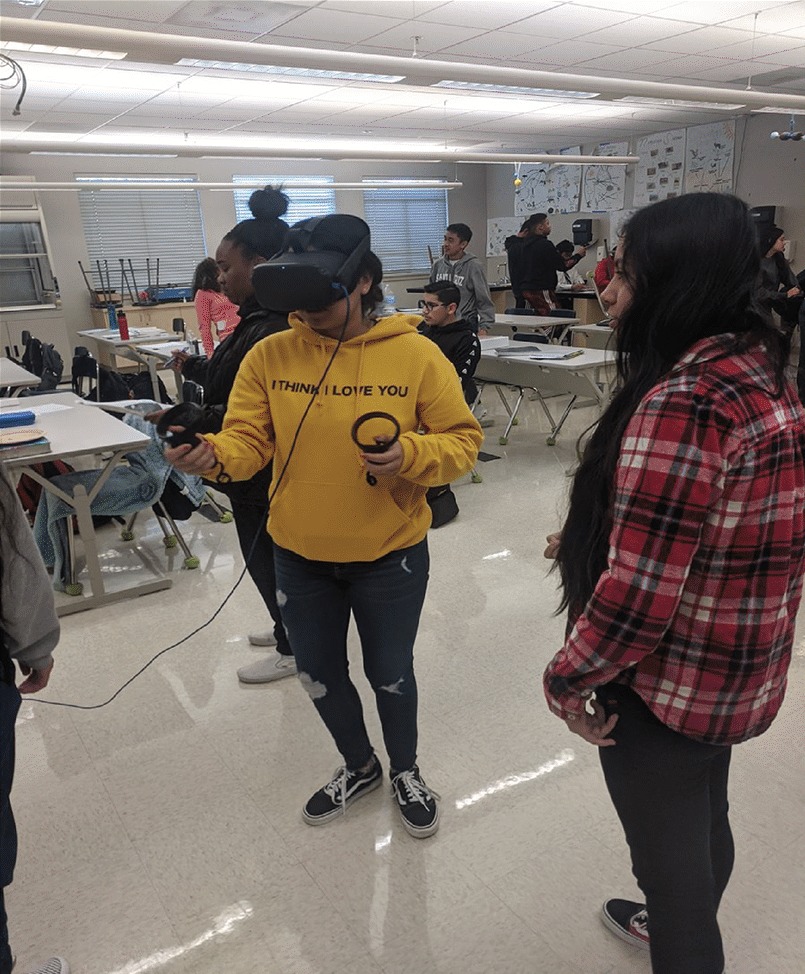
Tested with a teacher, then in Atlanta schools
I ran sessions in the office with a school teacher, then with students in classrooms, alongside lesson plans I designed.
What students and teachers said
The controls were super simple and easy, so anyone who had never played a video game or done anything like this before could easily jump into it and get started.
John, student · East Palo Alto, CA
Man, that VR thing was hard. It was so cool and super fun, but man, was it hard. I think we missed an answer to a question and we need to go back in so that we can find the answer.
Jessica, student · East Palo Alto, CA
Our school has done a lot in VR in the past, but your content is by far the highest quality VR we’ve seen in a while. I also love that you are compatible across platforms.
Sally, teacher · Atlanta, GA
Created during my VR design internship at Inspirit VR. This page shows my role and contributions.
MORE PROJECTS
All work