

WHY I BUILT IT
“As a researcher and student, I often struggled with organizing key points and citations across multiple academic papers.”
Research Recommender · AI + UX · 2025
A research paper recommender with smart note-taking and automatic APA, MLA and Chicago citations. Designed and coded end to end.
Designer & Developer · Self-initiated project
Research, UX, UI, and the Python + Flask build
ROLE
Designer who codes, end to end
STACK
Python · Flask · scikit-learn · PyMuPDF
MODEL
TF-IDF + cosine similarity, NIPS dataset
USERS
Grad students, PhD researchers, academics
The problem
WHY I BUILT IT
“As a researcher and student, I often struggled with organizing key points and citations across multiple academic papers.”
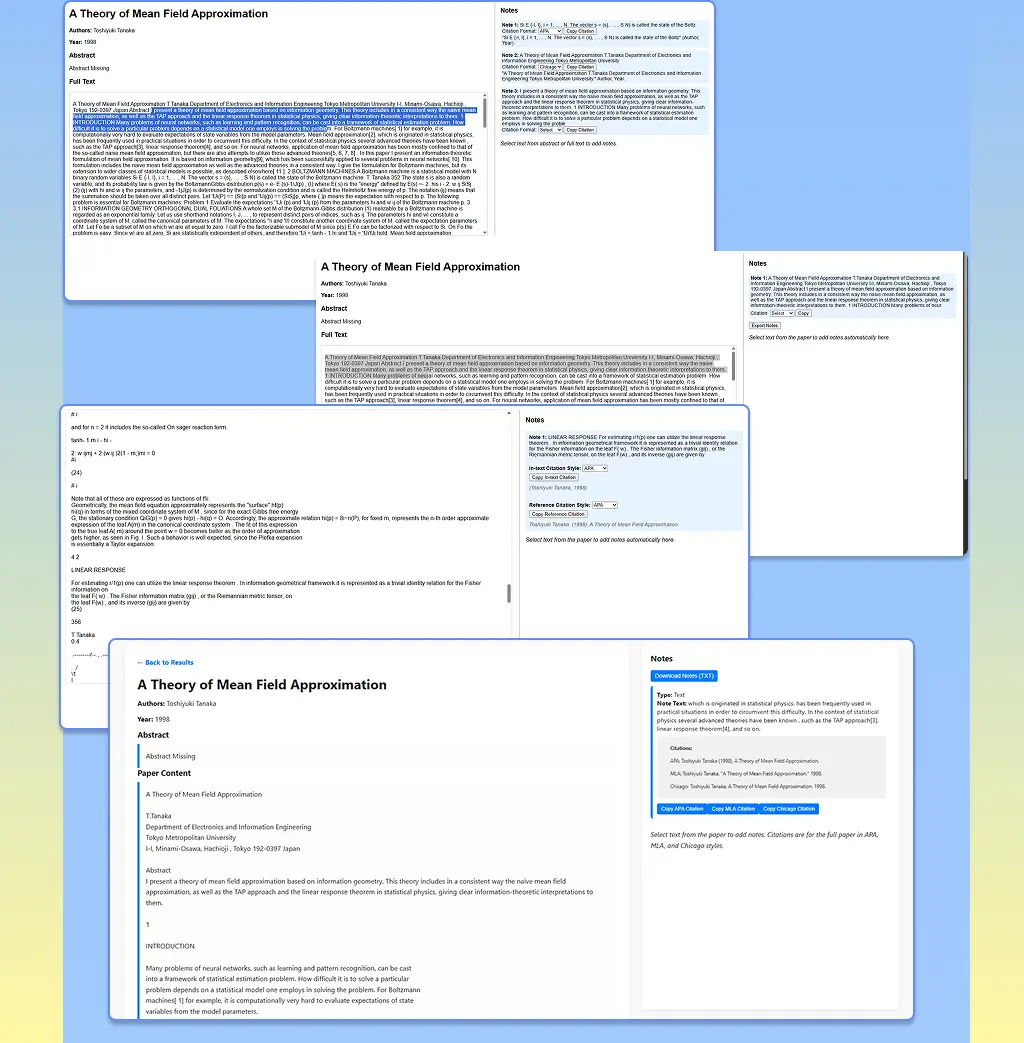
Keep track of relevant content
Finding the right papers takes longer than reading them.
Organize notes and citations
Quotes, figures and formulas end up in different places, with citations retyped by hand.
Compare papers across topics
No easy way to hold two papers side by side.
Project goal
Recommend
Relevant papers from a keyword search
Compare
Multiple papers side by side, in tabs
Take notes
By category: text, chart, formula, figure
Cite
Auto APA, MLA and Chicago
Export
Notes as .txt for assignments
Target users
UX flow
01
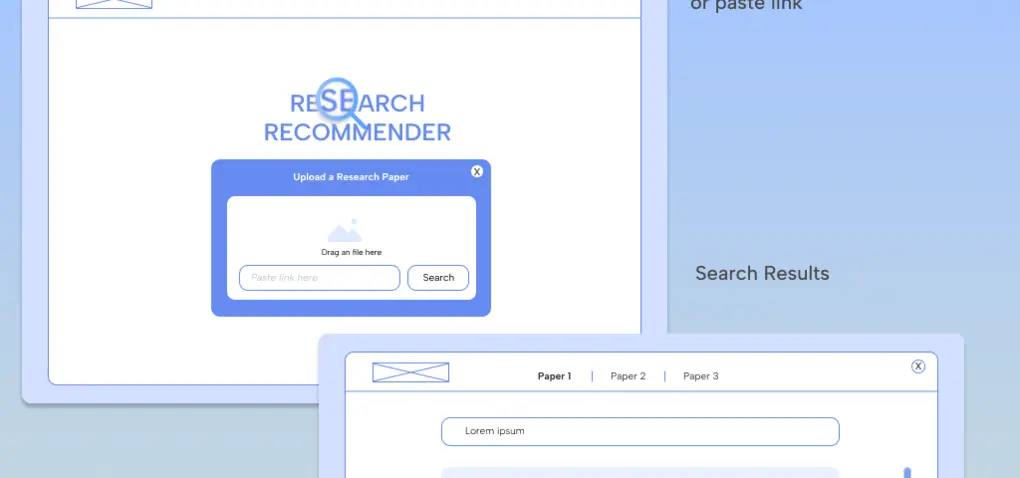
Land on the homepage
Clean search bar, one call to action
02
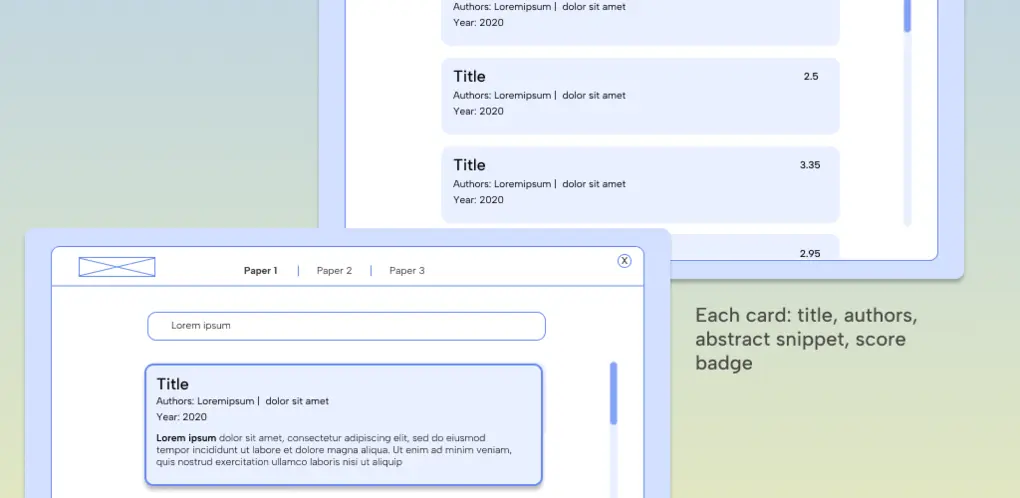
Search “neural networks”
Results sorted by cosine similarity
03
Or upload a paper
Drag and drop a PDF or Word doc, or paste a link
04
Open a paper card
Goes to the paper detail view
05
Read on the left
Take categorized notes on the right
06
Select key phrases
Choose a category; a citation is generated
07
Compare in tabs
Open other papers side by side
08
Download notes
With citations, copied or exported
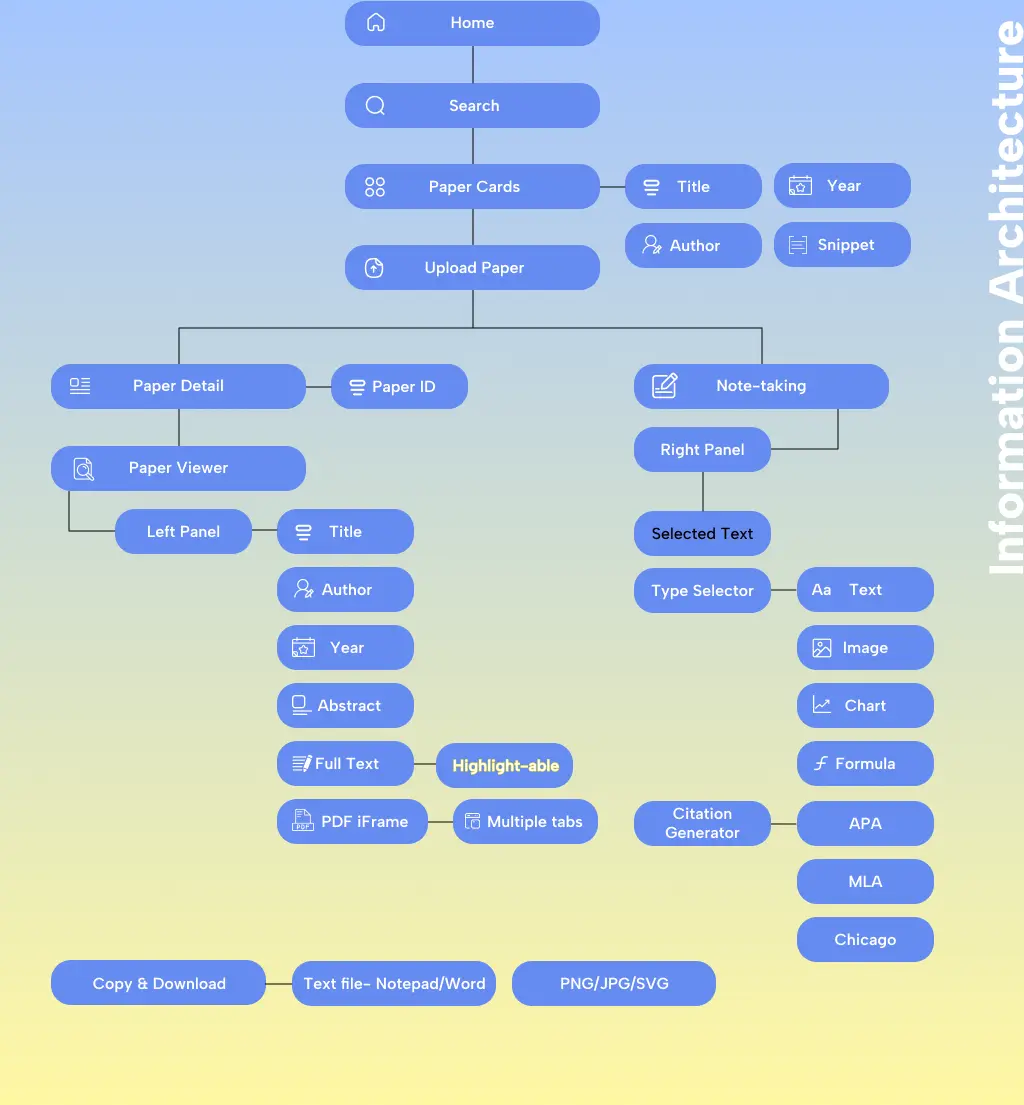
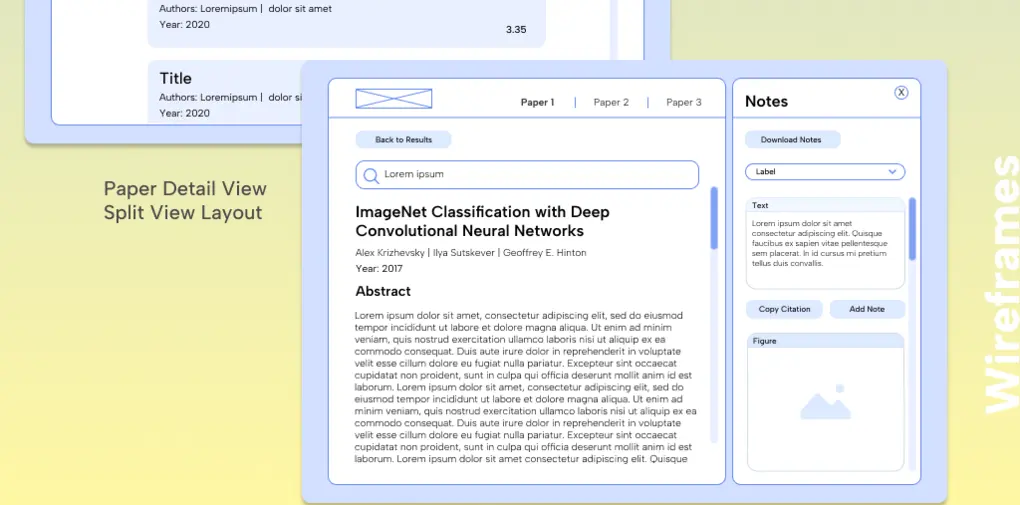
Information architecture & wireframes
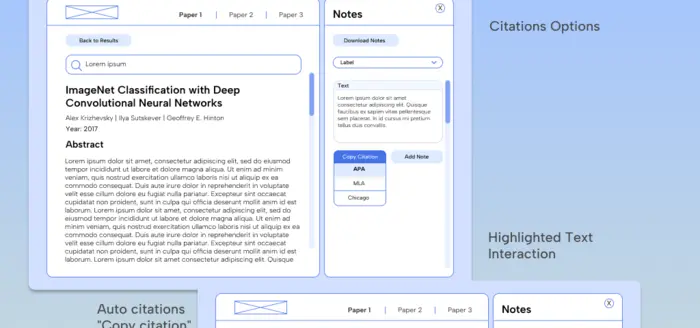
A split view keeps the paper on the left and your notes on the right.
Visual design
Electric Sapphire
#0055FF
Blue Ribbon
#57A0FF
Sky Breeze
#82B9FF
Frosted Sky
#F1F7FF
Snow Drift
#F9F9F9
Pure White
#FFFFFF
Sunbeam
#FEF7A3
Sunburst
#FFD233
Poppins
Regular · Medium · SemiBold · Bold
Headings and UI. Geometric, friendly, highly legible across screen sizes.
Albert Sans
Regular · Medium · SemiBold · Bold
Body and research content. Clean and professional for complex reading.
Under the hood
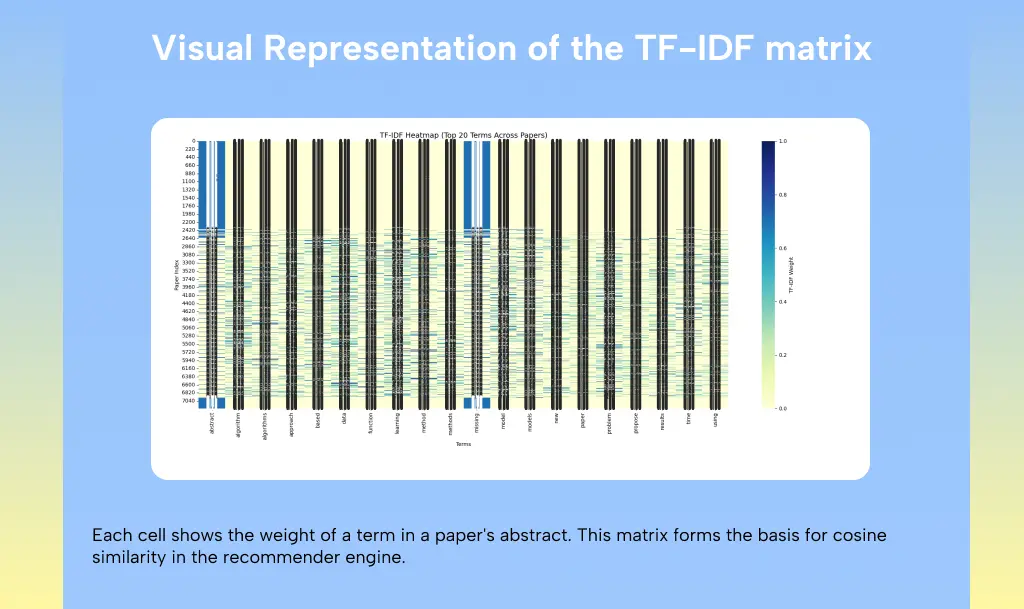
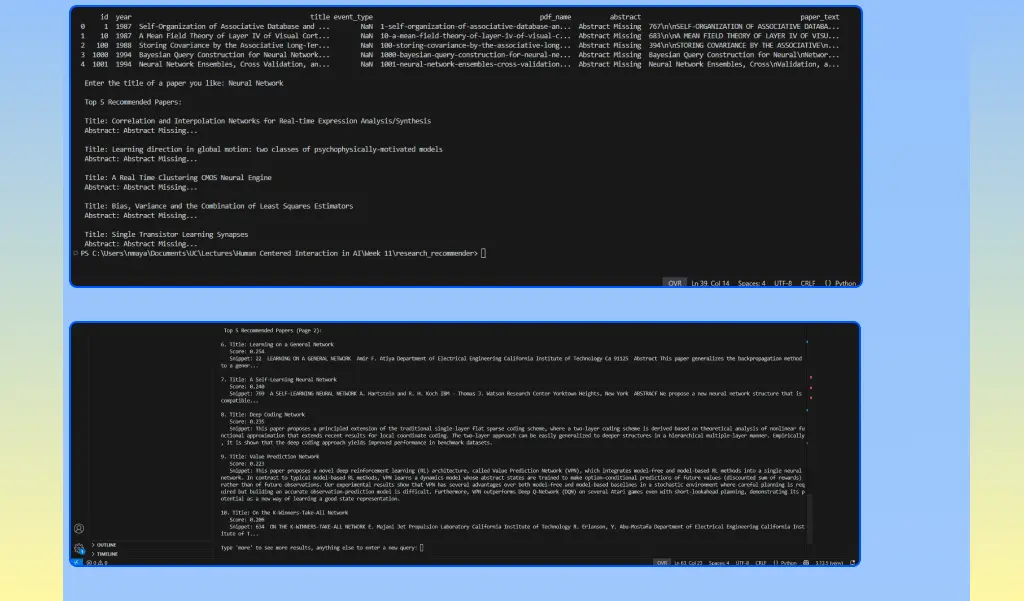
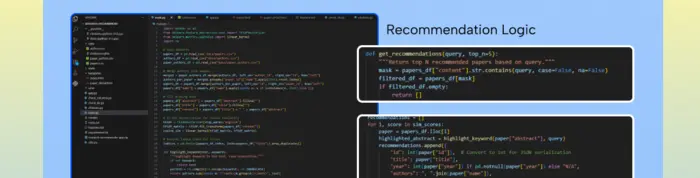
TF-IDF weighting and cosine similarity recommend papers from the NIPS dataset.
01
Data ingestion
02
Preprocessing
03
TF-IDF model
04
Similarity scoring
05
Paper display
06
Citation generator
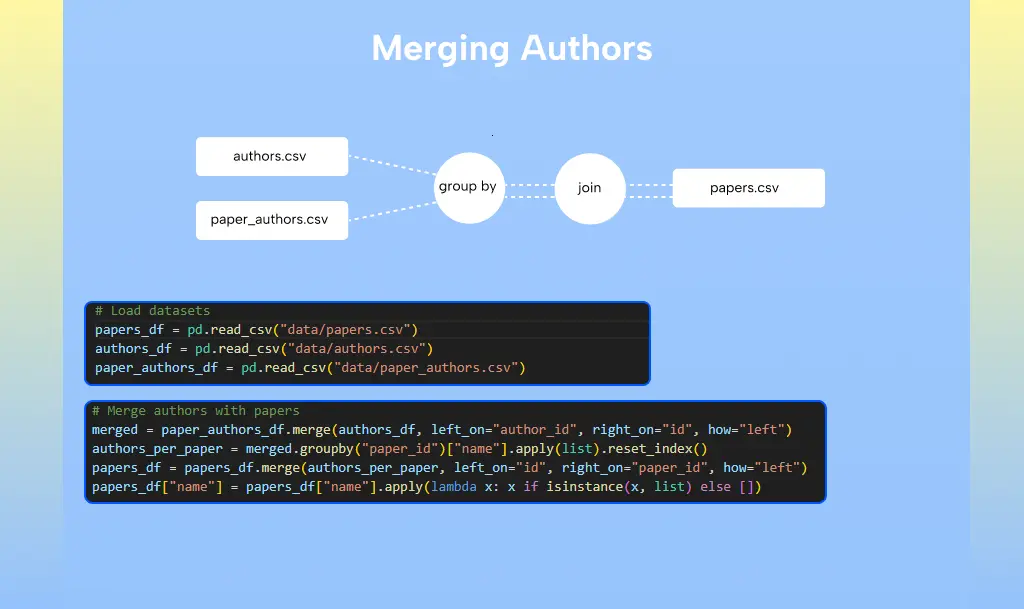
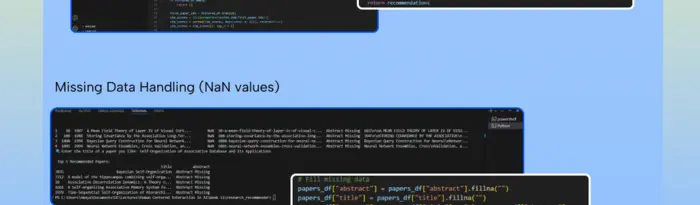
Structured citation logic
Template-based formatting pulls authors, title and year to build APA, MLA and Chicago, with copy to clipboard.
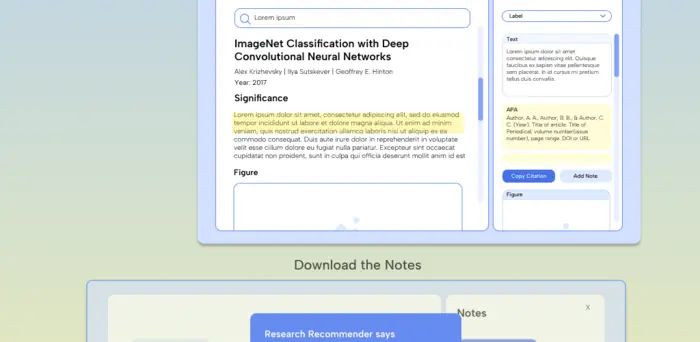
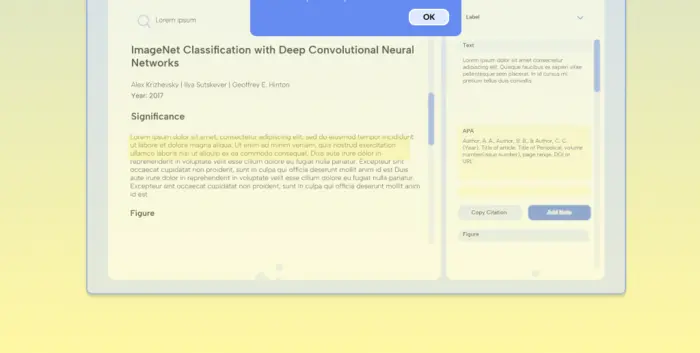
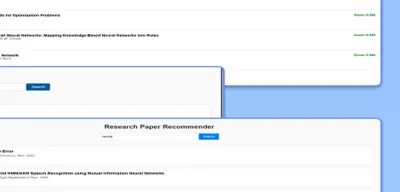
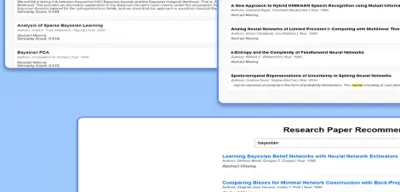
Flask interface · iterations
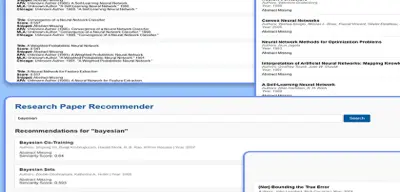
1First working cards
2Author and year added
3UI refresh
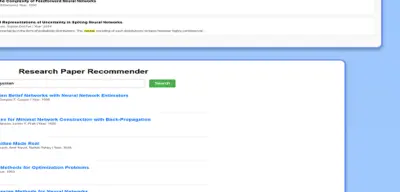
4Keyword highlight
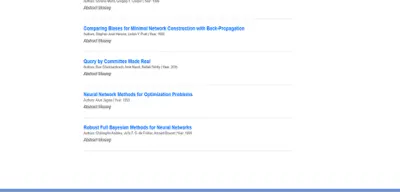
5Titles become links
“Designed for student-researchers. Powered by AI. Built by a designer who codes.”PythonFlaskscikit-learnPandasNumPyPyMuPDFHTMLVS CodeGitHubFigma
Self-initiated project. I designed and built it end to end: research, UX, UI and the Python/Flask implementation.
MORE PROJECTS
All work


 Graduate students & PhD researchers